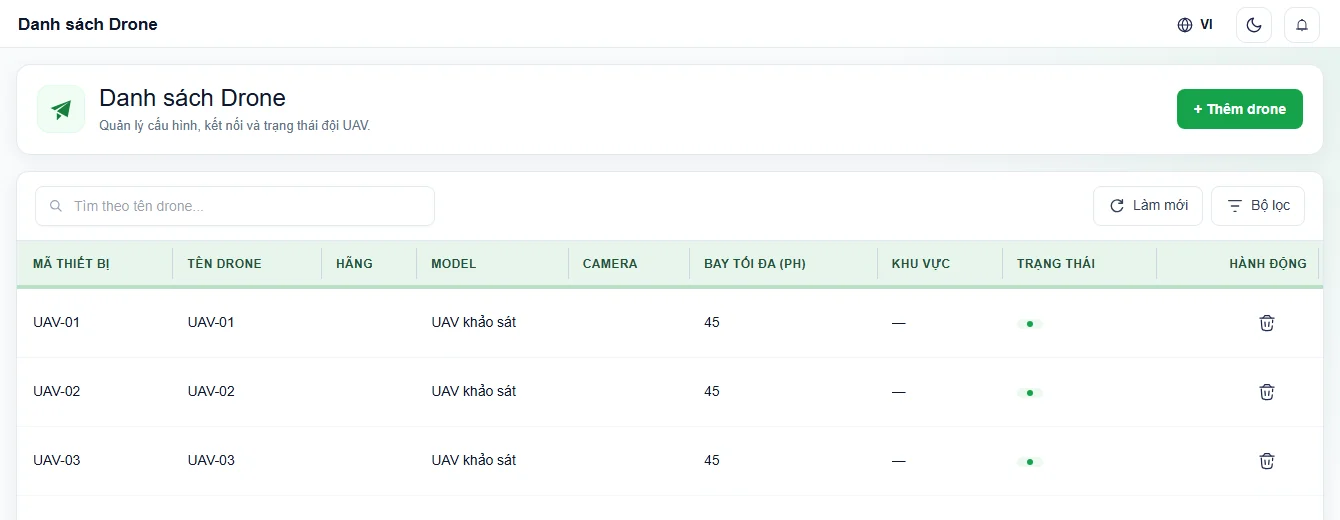
UAV flight management software

Plan, fly and maintain your UAV fleeton one platform.

From flight planning and checksheets to live monitoring and equipment maintenance.

Flight operations interface

Application view · Sample data

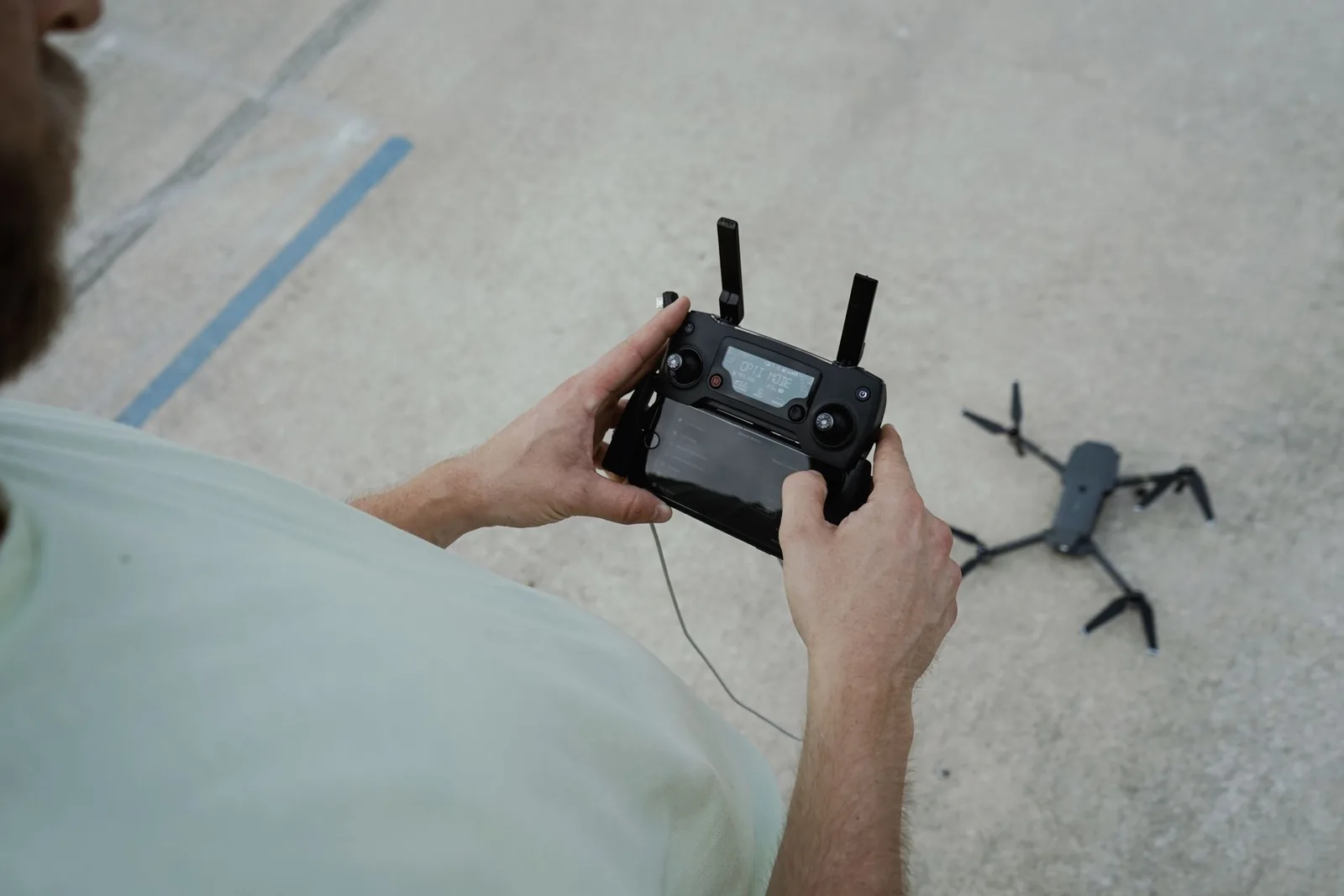
A pilot uses a remote controller to prepare a UAV for takeoff in the fieldFLIGHT PREPARATION & OPERATIONS
UAV operation reference photographyKyle Loftus / Pexels

OVERVIEW

One application, your whole flight team.

UAV Ops is a web application for drone operators. Every flight gets a plan, checksheets and a complete record, from scheduling to maintenance.

  • Coordinators

    Schedule flights, assign UAVs and pilots, approve plans.

  • Pilots

    Run preflight checks, fly the mission and complete the record.

  • Technicians

    Receive maintenance work and record the parts and supplies used.
01 / 05

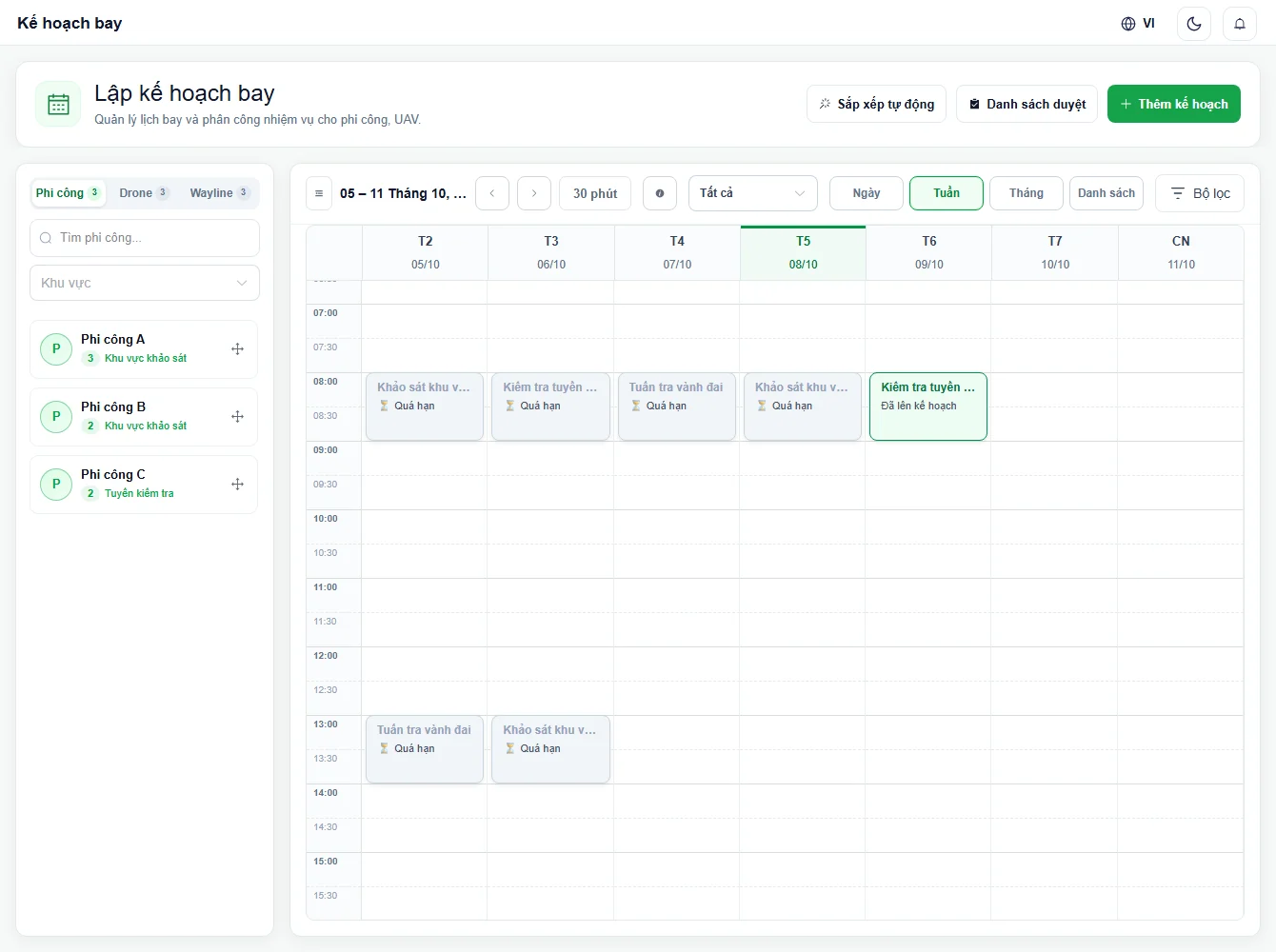
Plan the mission.

Choose a route, assign UAVs and pilots, then submit for approval.

SchedulingAssignmentsApproval
Flight schedules and mission assignmentsUAV OPS
Application view · Sample data
Flight schedules and mission assignments

Application view · Sample data

02 / 05

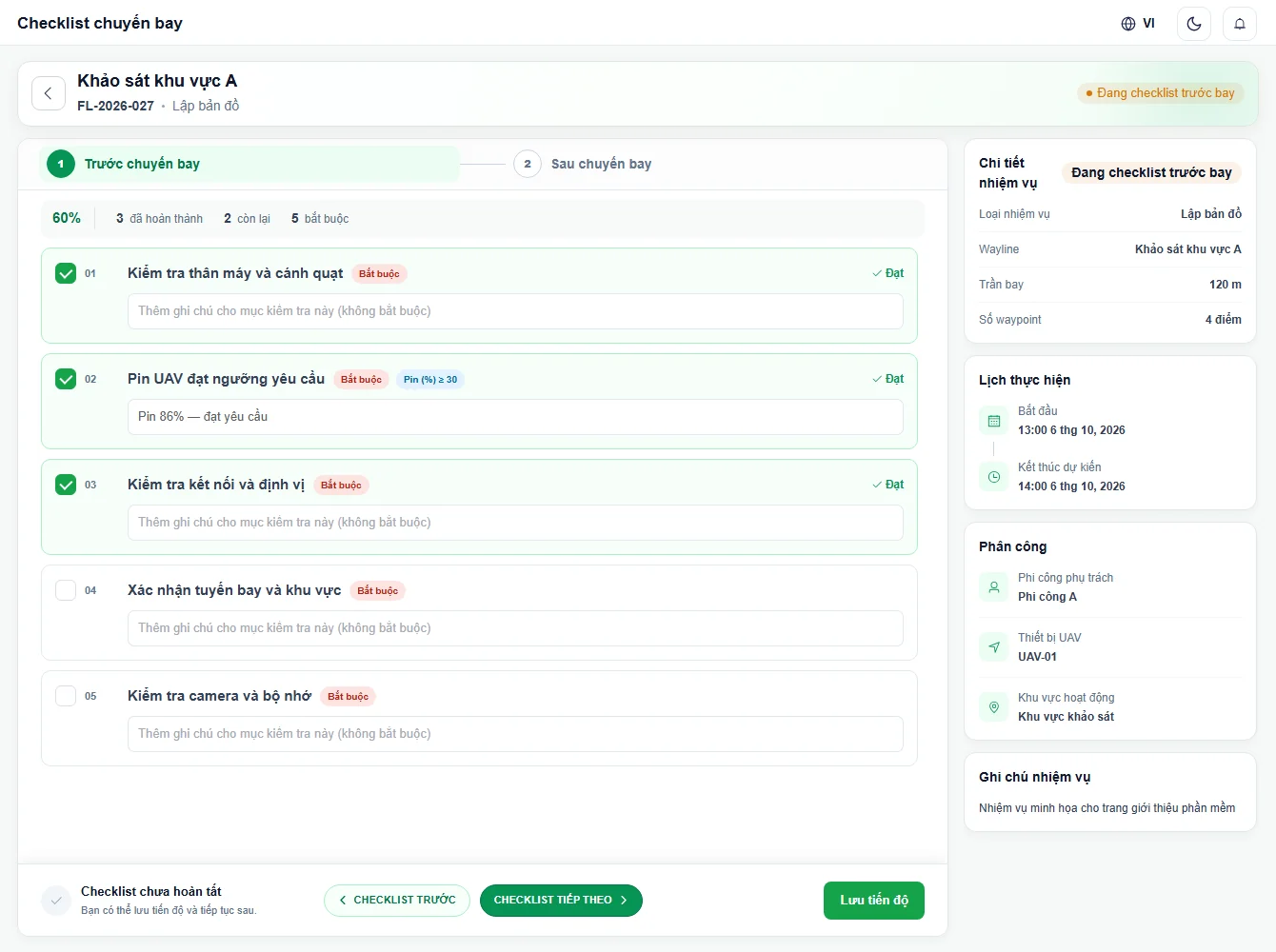
Check before takeoff.

Inspect the UAV, battery, connectivity and flight area. Confirm readiness before takeoff.

EquipmentFlight conditionsReady for takeoff
Preflight checksheetUAV OPS
Application view · Sample data
Preflight checksheet

Application view · Sample data

03 / 05

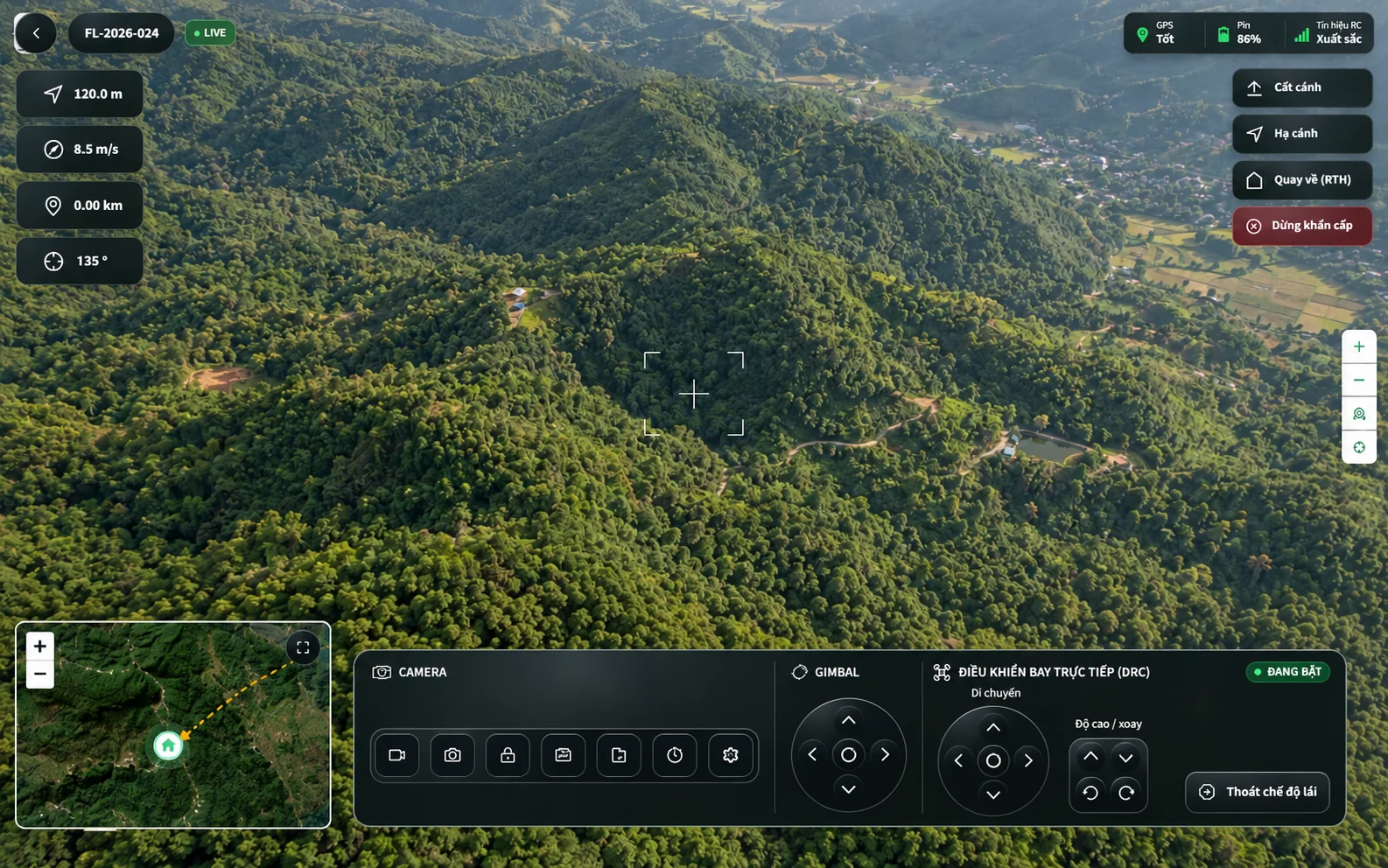
Manage the flight.

Position, telemetry and flight controls in one operational view.

MapTelemetryVideo
Flight operations interfaceUAV OPS
Application view · Sample data
Flight operations interface

Application view · Sample data

04 / 05

Complete the flight record.

Record the UAV condition, check flight data and complete the postflight checksheet.

UAV conditionFlight dataCompleted records
Postflight checksheetUAV OPS
Application view · Sample data
Postflight checksheet

Application view · Sample data

05 / 05

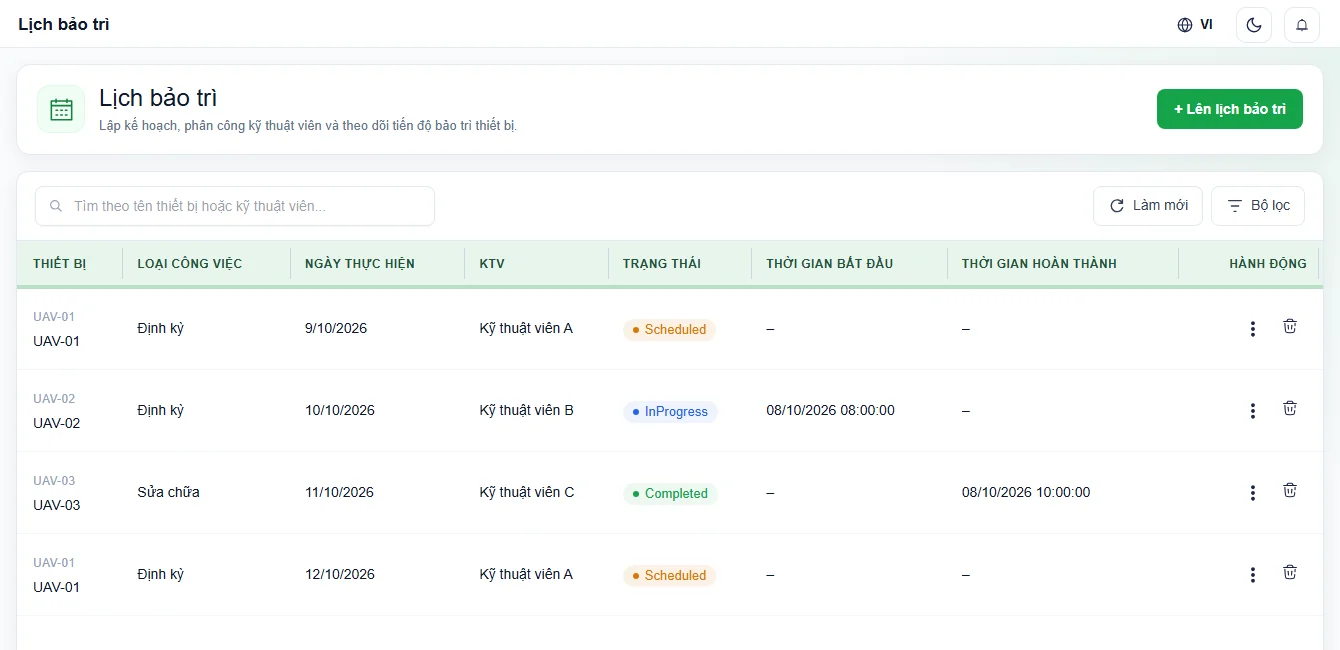
Keep maintenance on track.

Assign work, track progress and record the parts used.

SchedulesTechniciansParts
Maintenance schedules and work progressUAV OPS
Application view · Sample data
Maintenance schedules and work progress

Application view · Sample data

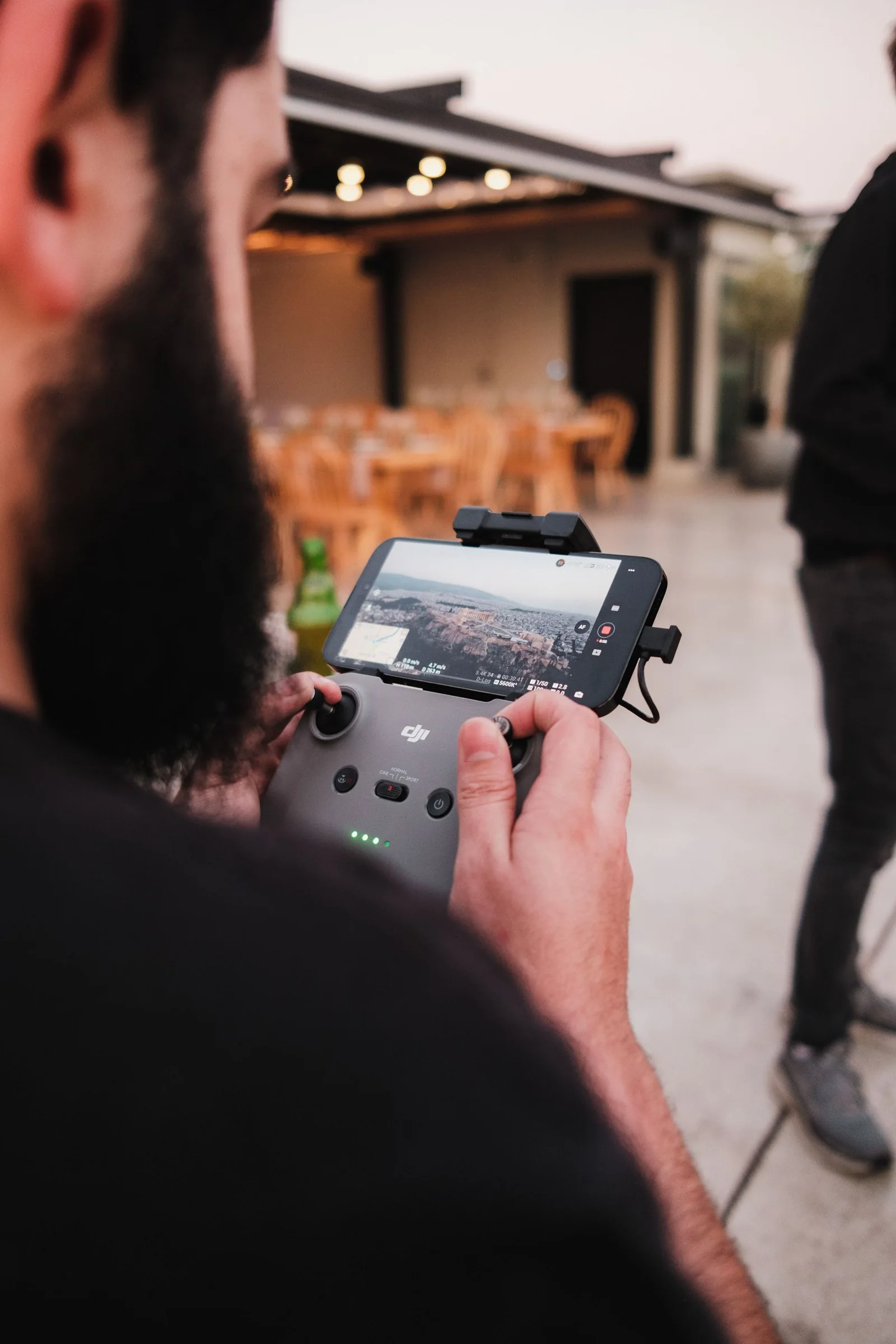
An operator monitors a drone flight on the remote controller displayFLIGHT OPERATIONS IN THE FIELD
UAV operation reference photographyAiram Dato-on / Pexels

IN THE FIELD

Mission clear.Ready to fly.

Coordinators and pilots follow the same workflow.

Explore flight operations

FLEET & RECORDS

Devices, pilots and flights, all on record.

Know which UAVs are ready, which pilots are qualified and which flights are complete.
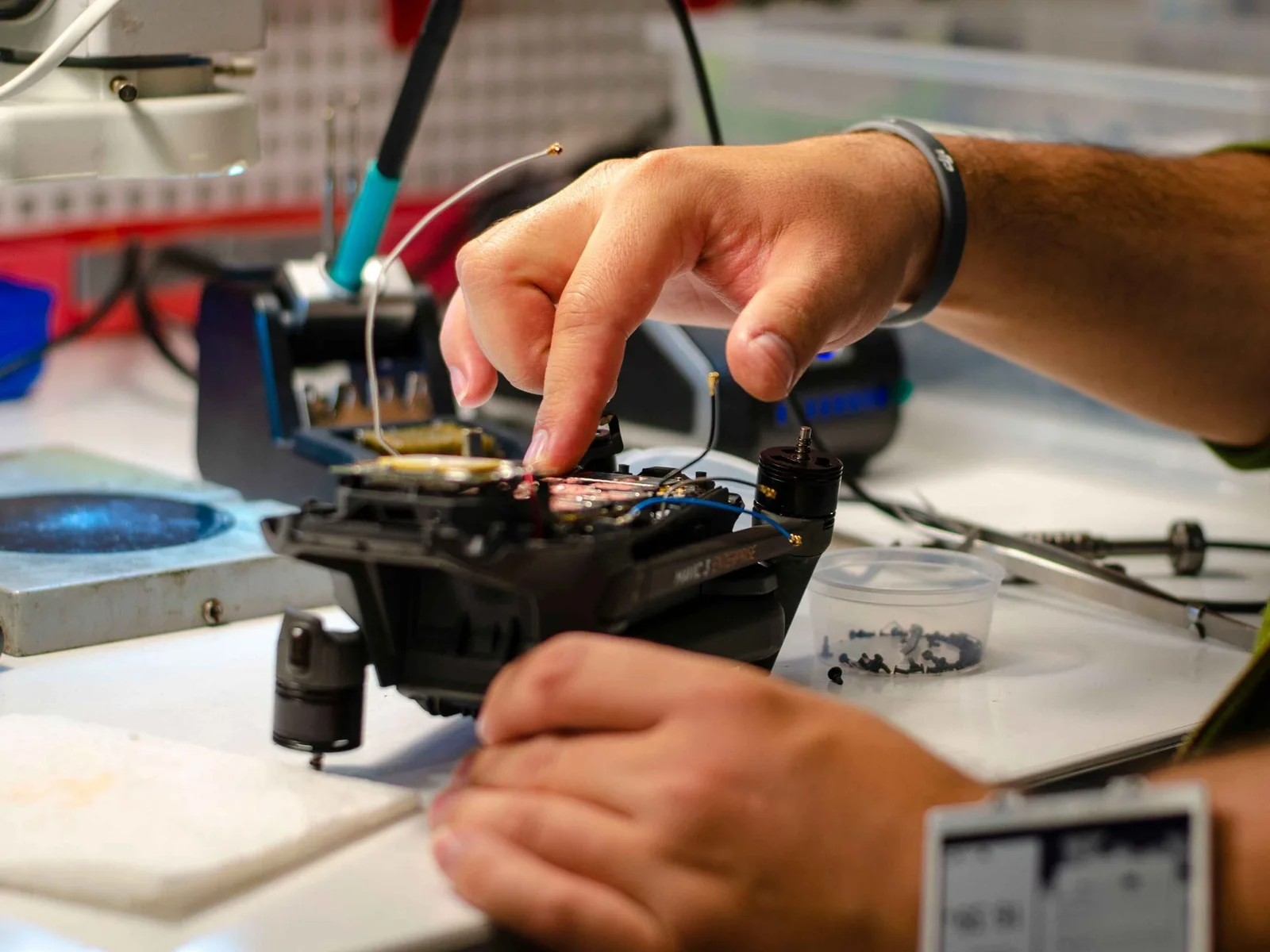
A technician inspects and repairs drone components on a workshop benchUAV INSPECTION & MAINTENANCE
UAV operation reference photographyDr Failov / Pexels

Maintenance by schedule and condition

Repair history, replaced components and supplies for every UAV.

UAV / FLEET

UAV records

Specifications, connectivity and default waylines for every device.

DOCK / RC

Docks & controllers

Charging station status, connectivity and operating controls.

PILOT / LICENSE

Pilots & licenses

License scope, permitted UAV types and validity periods.

FLIGHT LOG

Flight history

Mission logs, telemetry, photos, video and checksheets.

FREQUENTLY ASKED QUESTIONS

Questions about the software

EXPERIENCE UAV OPS

Your workflow. Your demo.

Tell us what your UAV team needs to manage.

  • Planning and approval workflows
  • Flight monitoring and inspections
  • Device records and maintenance

Your information is downloaded as a file to send to your implementation team.